


YOUR SHOPPING CART IS CURRENTLY EMPTY.
Inclusive Access FAQs
How do I opt-in?
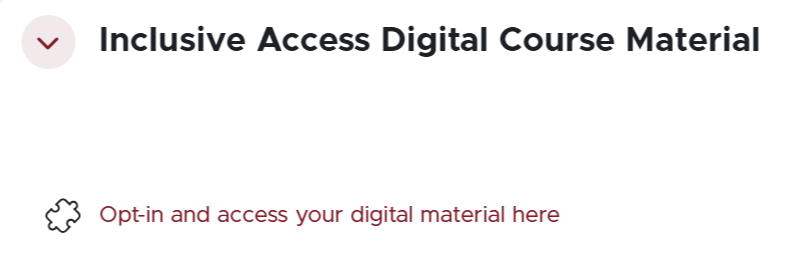
You can opt-in in using the link in your Inclusive Access course's meskanas page. The link will look like this:
How do I access Inclusive Access digital materials?
You can access eBooks using the opt-in link in your meskanas, or log in to Bookshelf with your MyMacEwan email.
If your course is using courseware (Revel, MyLab, Connect, etc.), you can go to the publisher's courseware website or use the link your instructor provides you. It is important that you use or create an account on the publisher's website using your MyMacEwan email.
How do I know that I have opted-in?
You will receive a confirmation email.
I’ve opted-in – now how do I pay?
After the opt-in deadline, billing will show on your myStudentSystem under fees. You will pay through the Registrar's Office, as you would for tuition. No other payment types or processes can be accepted at this time.
Typically, the date at which you can pay is included in your Welcome or Reminder Emails. If you are unsure of the specific date, the fee should be shown in the week following the Opt-In deadline.
I have opted-in and have changed my mind. What do I do?
You can opt out by using the same opt-in link in your meskanas course. You will receive an opt out confirmation email. If you need to opt out because you have dropped the class on or before the add/drop deadline, you will automatically be removed from the opt-in list.
What happens if I want to opt-in after the deadline?
No late requests will be accepted to opt-in. After the opt-in deadline, you will be unable to receive discounted pricing and must pay for the eBook or access code through our website on this page here.
If you are having other issues, please email InclusiveAccess@macewan.ca with screenshots and a detailed message of what errors you are encountering. This information ensures that we can support you in a timely manner.