

YOUR SHOPPING CART IS CURRENTLY EMPTY.
CREATIVE CLOUD ACTIVATION INSTRUCTIONS
PLEASE NOTE: You must have your Registration Code purchased from the MacEwan Bookstore or this website to activate your Adobe Creative Cloud 12 month subscription. Your subscription will begin from the time of activation NOT from the time of purchase and run for a complete year.
STEP 1: Visit the following Website:
http://macewanbookstore.onthehub.com/WebStore/Welcome.aspx
STEP 2: You will be taken to an Adobe Welcome Page - Search for "Creative Cloud" on the top right
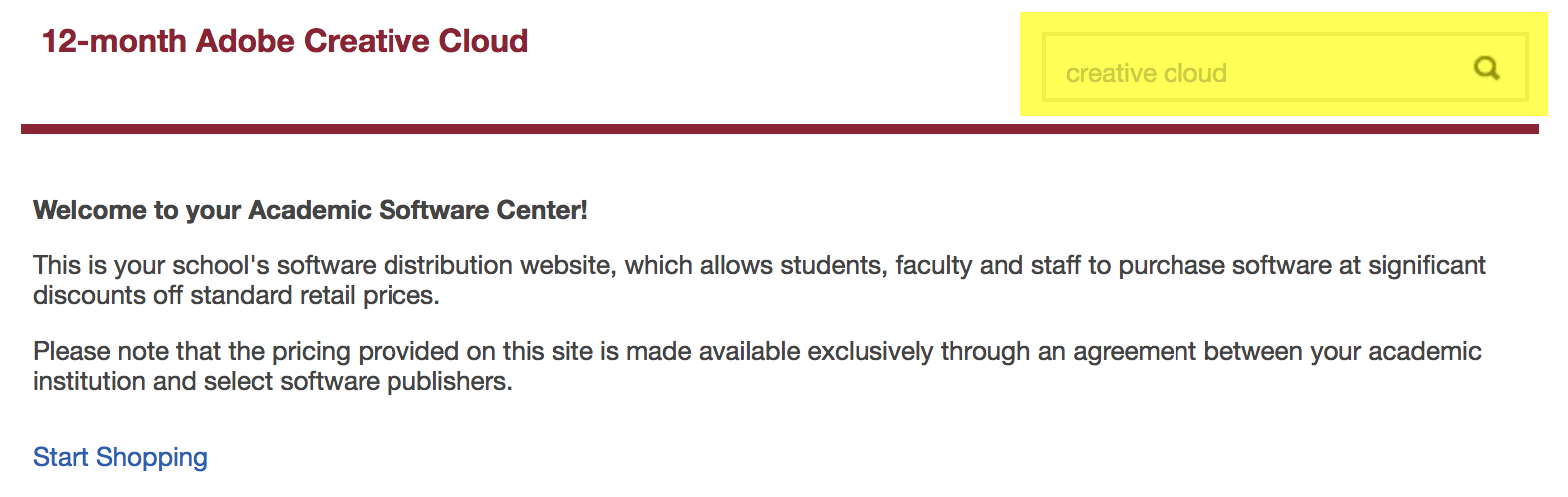
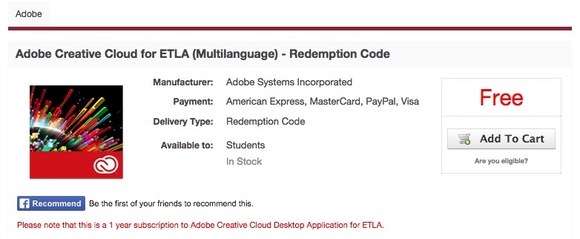
STEP 3: Click On "Add To Cart" below the word "Free". Should appear like the image below:
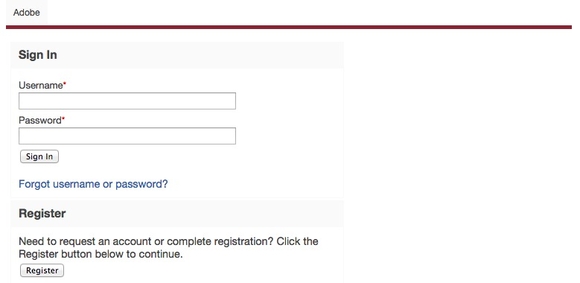
STEP 4: On the Adobe Sign In page, Click On "Register" on the bottom left of the page
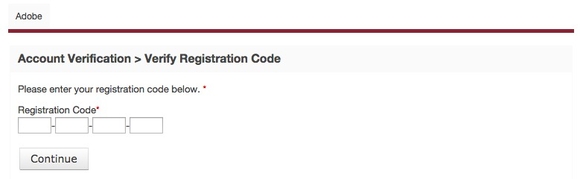
STEP 5: Enter the Registration Code you received from the bookstore and Click On "Continue"
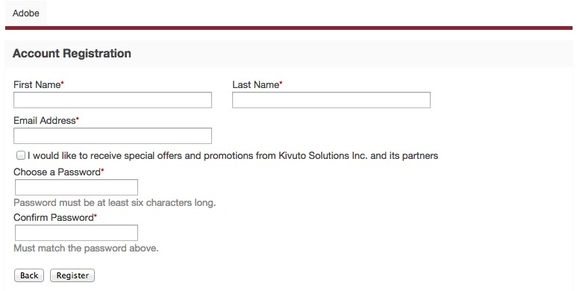
STEP 6: Complete the Account Registration and Click On "Register"
STEP 7: Just like Step 2 you will again Click On "Start Shopping" but you are now logged in
STEP 8: Click On the "Adobe Creative Cloud" icon.
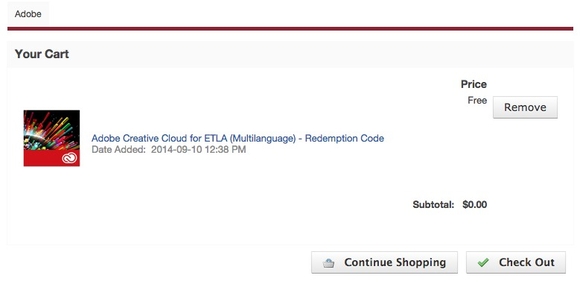
STEP 9: Click On "Add To Cart" below the word "Free". Should appear like the image below:
STEP 10: Click On "Check Out" when you get to the Adobe Cart
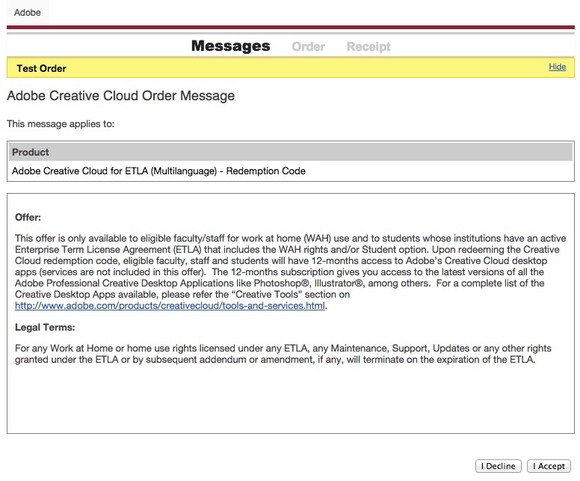
STEP 11: Click On "I Accept" when you get to the "Messages" Page
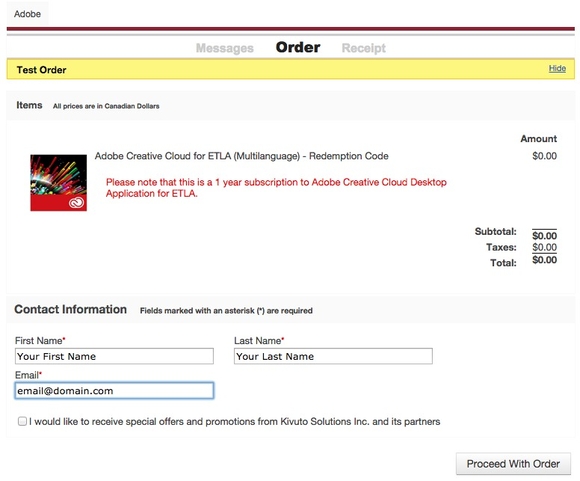
STEP 12: Click On "Proceed With Order" when you get to the "Order" Page
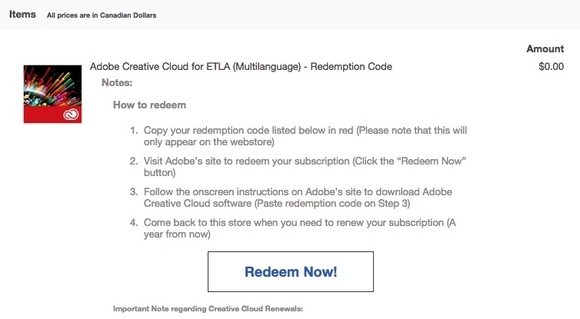
STEP 13: VERY IMPORTANT! Follow the instructions EXACTLY as listed on the Receipt Page! The Redemption Code will only Appear on the Receipt Page. It will not be emailed to you!!!
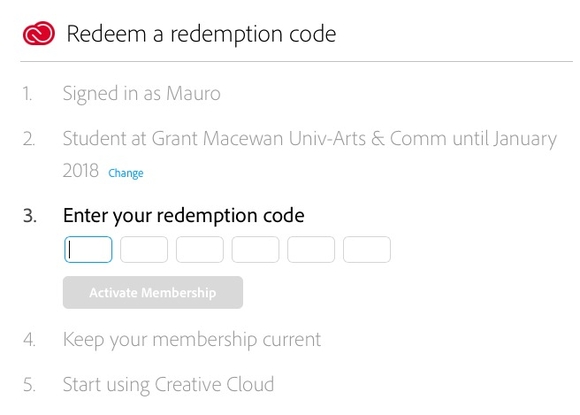
STEP 14: Click On "Redeem Now!"
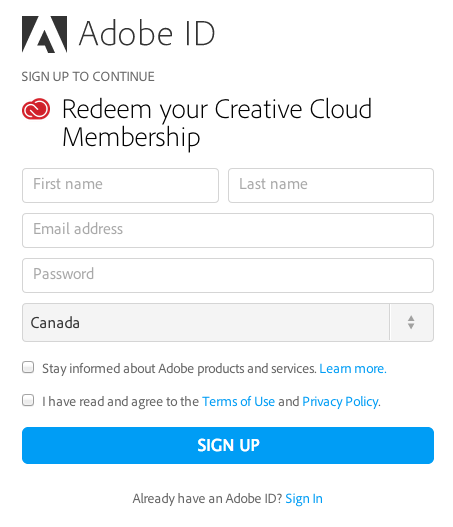
STEP 15: You will need to Sign Up for an Adobe ID, page should appear like the image below.
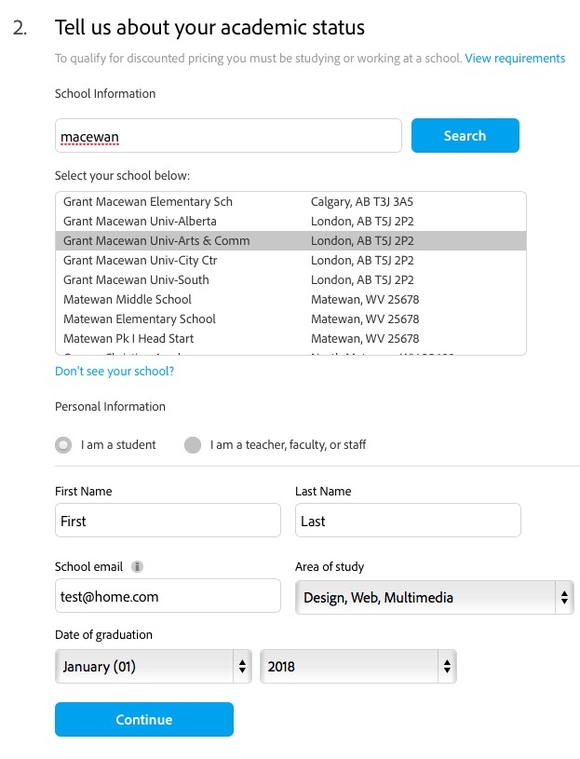
STEP 16: After you have Signed Up. Complete the Academic Status Information. The "Continue" button will turn blue when you can continue. Ignore the location being wrong - Adobe will fix this in time.
STEP 17: Final step will be to enter the Redemption Code from the Adobe receipt in Step 14 and Activate your Membership. You should then be able to download the Adobe products.